
Turn Any Idea Into a Widget
Describe the widget you want, start from a starter, or bring your own HTML/CSS/JS when you want full control.
Use built-in AI, a starter, or your own front-end code to create a live widget with a shareable preview link. Build a promo banner, countdown, quiz, calculator, gift guide, or landing section without touching your theme first.
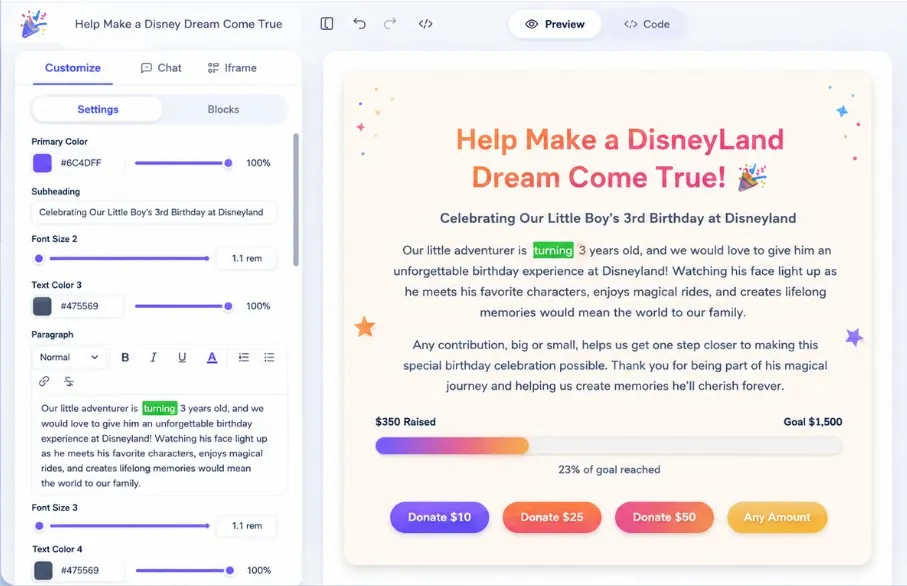
Send the widget to a client or teammate to review. No Shopify access needed.
Collaborators change only the settings you expose, never your store or code.
The flow stays simple: create the widget, get a live preview link to share for approval, and embed it in Shopify only when everyone is happy.
Fugte brings built-in creation, editable settings, safe hosting, embed delivery, starter widgets, sharing, and simple pricing.
Describe the widget you want, start from a starter, or bring your own HTML/CSS/JS when you want full control.
Turn hard-coded text, colors, numbers, images, and toggles into friendly fields you can update later.
Fugte hosts the result for you and serves it through isolated iframe embeds, so you do not need to deploy code yourself.
Remix pricing tables, countdowns, forms, galleries, testimonials, music players, and more when you do not want to start from a blank page.
Every widget gets a clean public URL and iframe snippet for Canva, Shopify, WordPress, Notion, Webflow, or a normal website.
Start free while you test ideas, then upgrade when you want white-label embeds, more storage, or client-ready delivery.
Build it, preview it, get sign-off, then embed it in Shopify when you are ready.
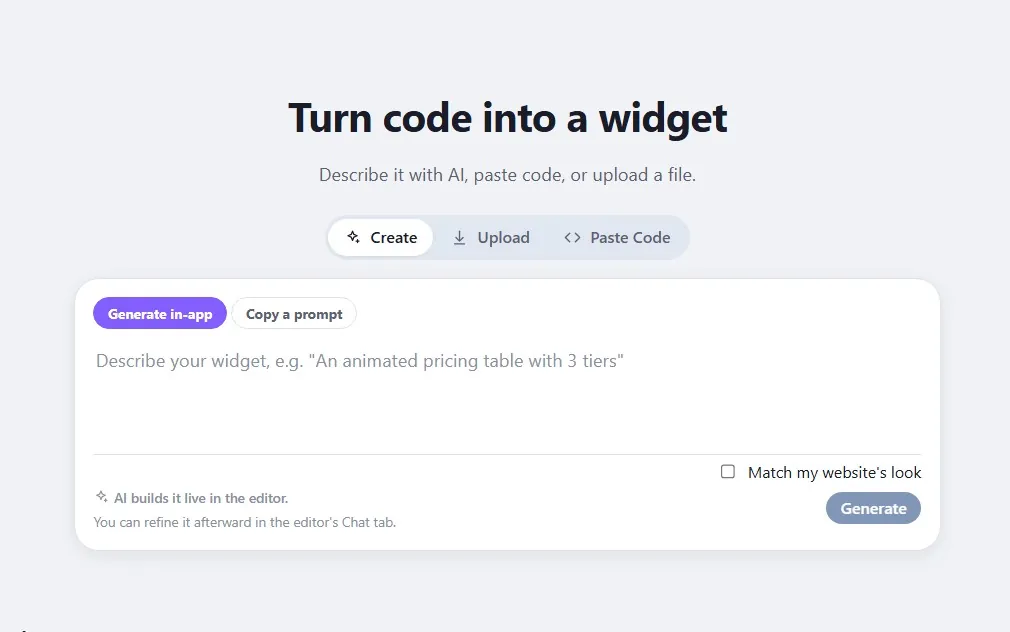
Use Fugte AI, a starter, or front-end code you already have.
See it render as a live widget before it touches your store.
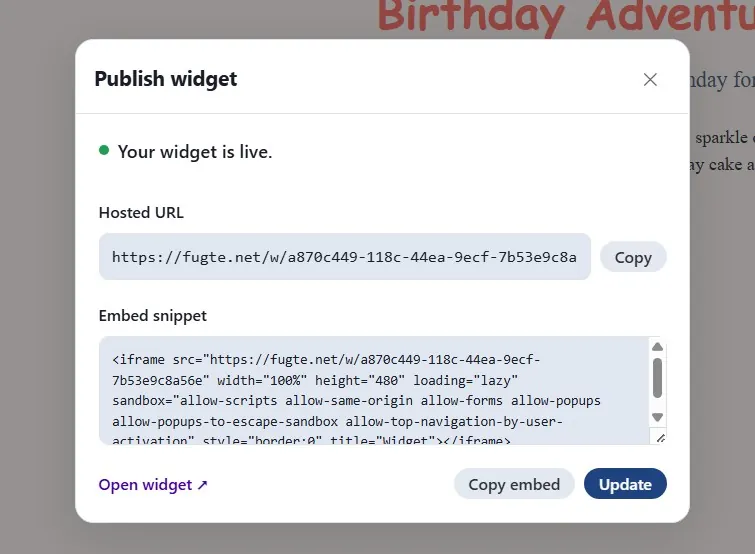
Share a running widget before changing your Shopify theme.
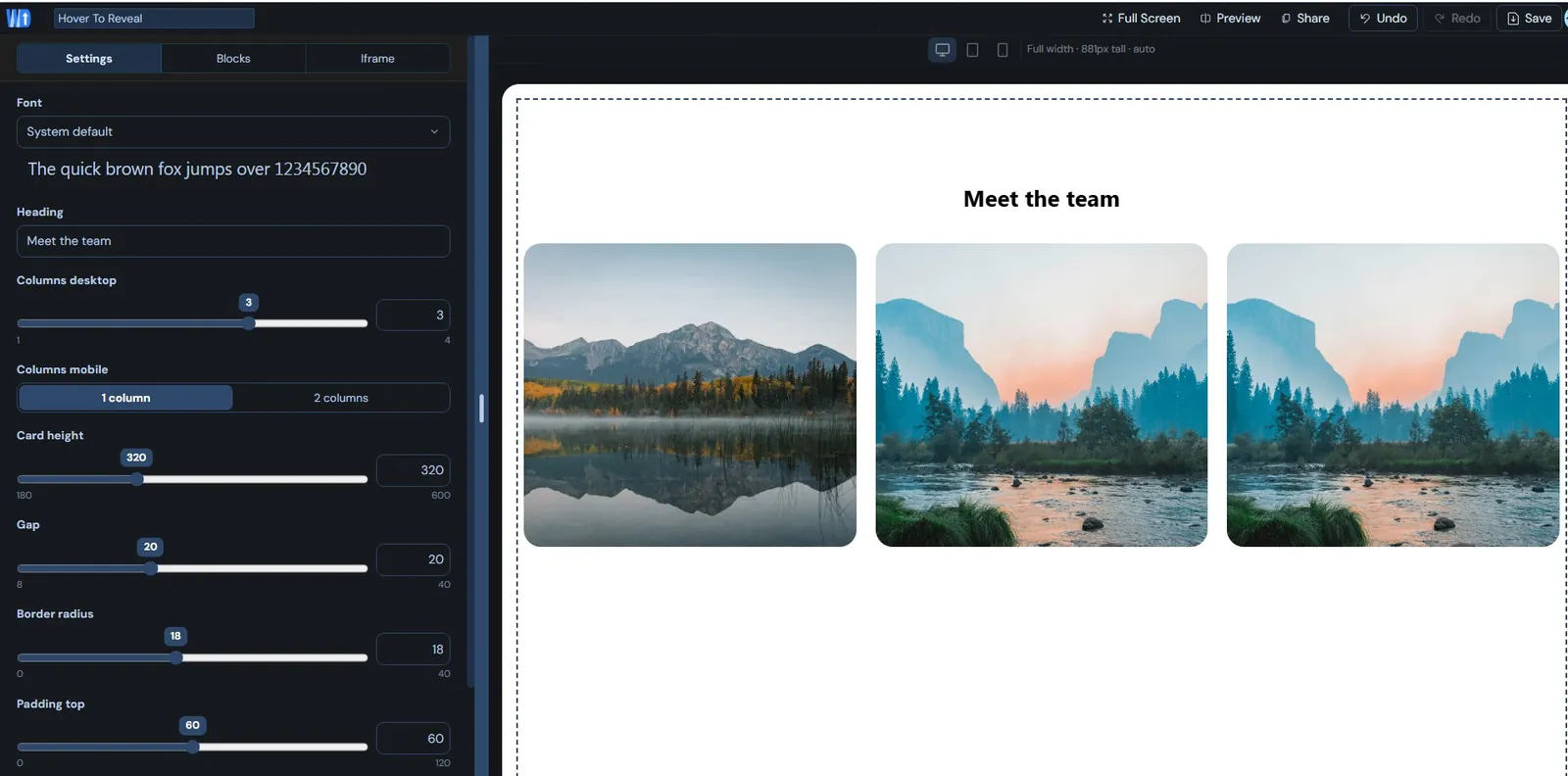
Change copy, colors, links, and settings without touching the code again.
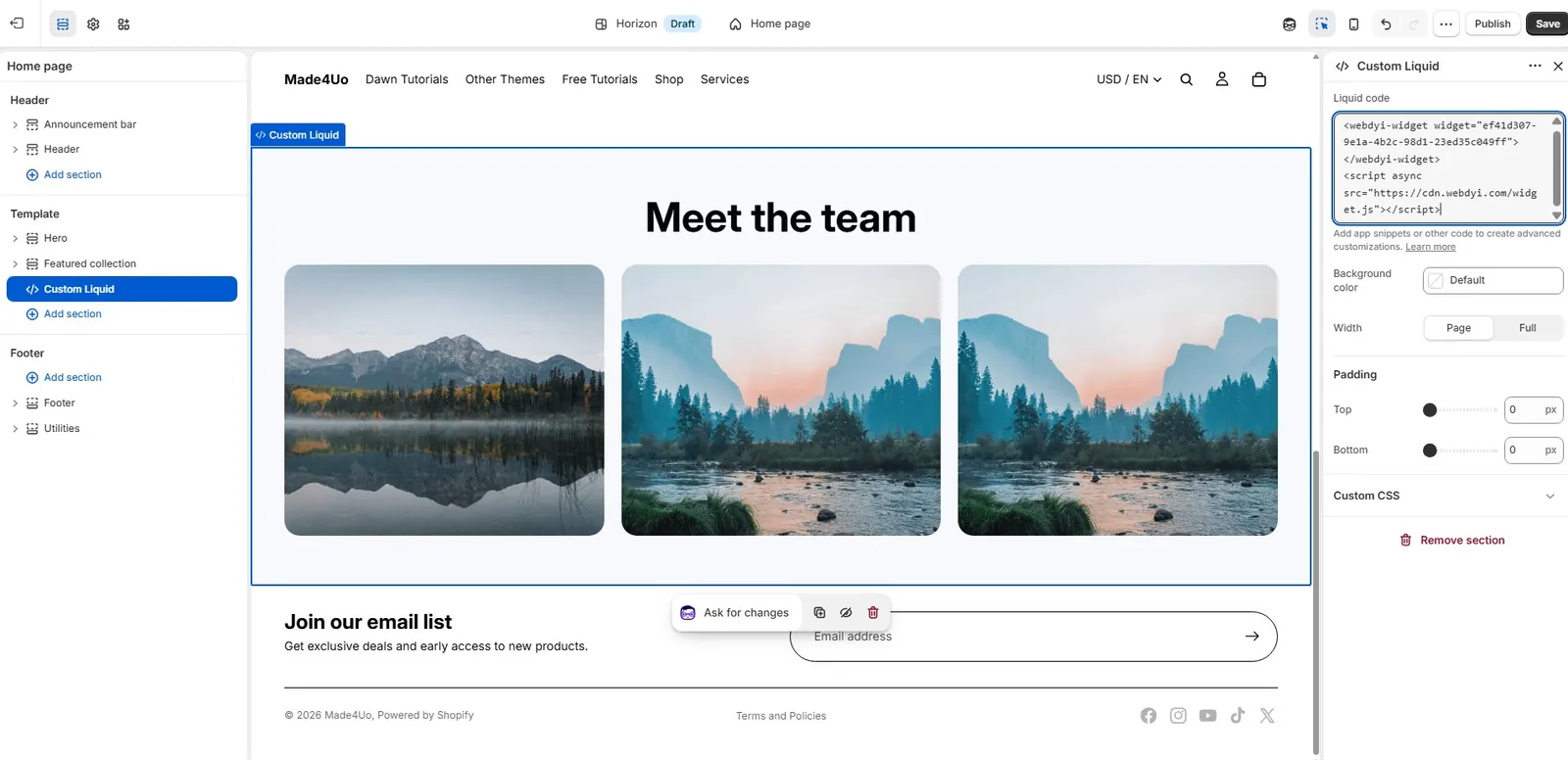
Paste the embed into a Custom Liquid section or block when approved.